DCS Camera Systems
Cameras that produce usable footage at 2am — chosen for the mount point, wired properly, and viewable from your phone.
Almost every camera looks fine in daylight in a showroom. The ones that disappoint do it at night, at the exact moment they were bought for — a face lost to glare, a plate unreadable, a camera pointed at a spot nobody walks through. Placement, lens choice, and night performance decide whether a system is evidence or decoration.
What Goes Into a DCS Camera Install
Cameras chosen for the location
Dome cameras under soffits and in interior corners, bullets where you want the mount visible and the throw longer, turret styles where soffit reflection would wash out the night image. The mount point and the lens matter more than the megapixel number on the box.
Recording and retention
An on-site recorder holds the footage, and how many days it keeps depends on camera count, resolution, and whether cameras record continuously or on motion. Two weeks is a common target for a home; commercial sites often need thirty days or more for insurance or policy reasons. This gets sized before install, not discovered afterward.
Remote viewing
Live view and recorded playback from a phone or laptop, wherever you are. It is the feature people use most and the one worth testing at handover on your own phone, on cellular data rather than on the house Wi-Fi, so you know it works when you're actually away.
Night performance
Most of what a camera exists to catch happens after dark, so the night image is the one that counts. Infrared range, how the camera handles a porch light or a headlight sweep, and where the camera sits relative to its own IR reflection all decide whether you get a face or a white blur.
Video verification of alarms
Cameras tied to the alarm system let a monitoring operator see what actually tripped the zone. That changes how the call is prioritized and cuts down on dispatches for a curtain moving in an AC vent.
Commercial and community coverage
Entrances, registers, docks, gates, amenity centers, and parking. Multi-site businesses and HOA boards generally need documented camera placement and a retention policy as much as they need the hardware itself.
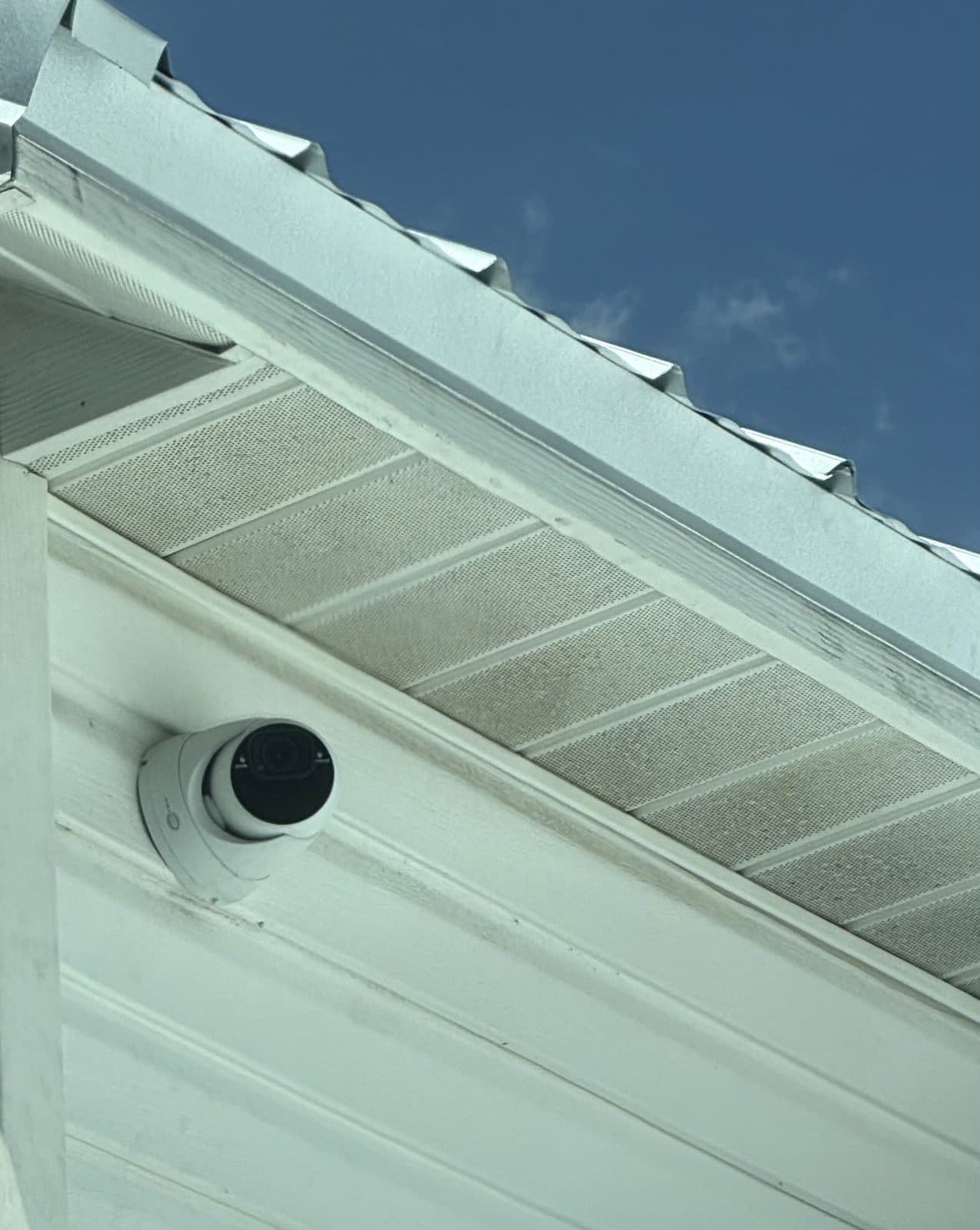
Mounted where it sees something.
Wired to last.
Cameras are frequently installed alongside the alarm system rather than on their own — see DCS alarm monitoring for how video verification changes an alarm response, or the full camera systems service page for equipment detail.
Camera Questions
What kind of camera systems does DCS install?
+
Professional CCTV and IP camera systems for homes, businesses, and community associations — cameras hardwired back to an on-site recorder, with remote viewing and recorded playback from a phone or computer. This is a different category from a plug-in consumer camera: the cameras are powered and networked over structured cable rather than depending on Wi-Fi, and the footage lives on a recorder you own rather than on a subscription cloud.
How long does a DCS camera system keep recordings?
+
It depends on how many cameras there are, what resolution they record at, and whether they record continuously or only on motion. Two weeks of retention is a common target for a home and thirty days or more is typical for commercial sites. Retention is sized against your requirement when the system is designed, so it should never be a surprise later.
Can I watch my DCS cameras from my phone?
+
Yes — live view and recorded playback from a smartphone, tablet, or computer. It is worth testing this at handover on your own phone over cellular data rather than over the house Wi-Fi, since that is the condition you will actually use it in.
Do the cameras work with my alarm system?
+
They can, and there is a real benefit to it. When cameras are integrated with a monitored alarm, an operator can visually verify what triggered a zone before dispatching. That means faster prioritization on a genuine break-in and fewer dispatches — and fewer municipal false-alarm charges — on something harmless.
Does DCS install cameras for HOAs and gated communities?
+
Yes. Community work is a distinct category — entry and exit gate cameras, amenity center and pool coverage, and common-area monitoring, usually paired with gate access control. Boards typically also need the placement and retention documented for their records, which is part of how we scope community projects.
Can DCS add cameras to a system I already have?
+
Often. Whether existing cameras or an existing recorder can be extended depends on the hardware and the cabling already in the walls. Sending someone to look at what is there is usually worth it, because reusing serviceable cable is a large share of the cost on a camera project.
More on DCS
DCS Security Systems
What a DCS alarm system includes, how an install actually runs, and what the equipment does.
DCS Alarm Monitoring
The in-house monitoring center in Lutz — what happens in the first ninety seconds after a signal.
DCS Commercial Security
Business alarm systems, access control, gates, and community security for HOAs and CDDs.
DCS Phone Number & Office
Phone, email, address, hours, and which number to call for a new quote versus an existing system.
DCS Customer Service
Already have a DCS system: service calls, false alarms, call-list changes, moving, and trouble codes.
DCS App & Remote Access
Arming from your phone, finding which app your panel uses, and what to do when a login fails.
Is DCS Legitimate?
How to verify any Florida alarm company — license lookup, physical address, and who answers the alarm.
What Does DCS Stand For?
The name, where it comes from, and the many unrelated things also called DCS.
See What You've Been Missing
We'll walk the property, show you what each camera would actually cover, and quote it in writing.